
Where your CAD file goes when you open it on voltplot.com
DXF, STL, OBJ and GLB files open in your browser and never leave your device. DWG, STEP and IGES go to our server for conversion and are deleted as soon as possible.
Hannes Lipusch, Co-Founder & CTO
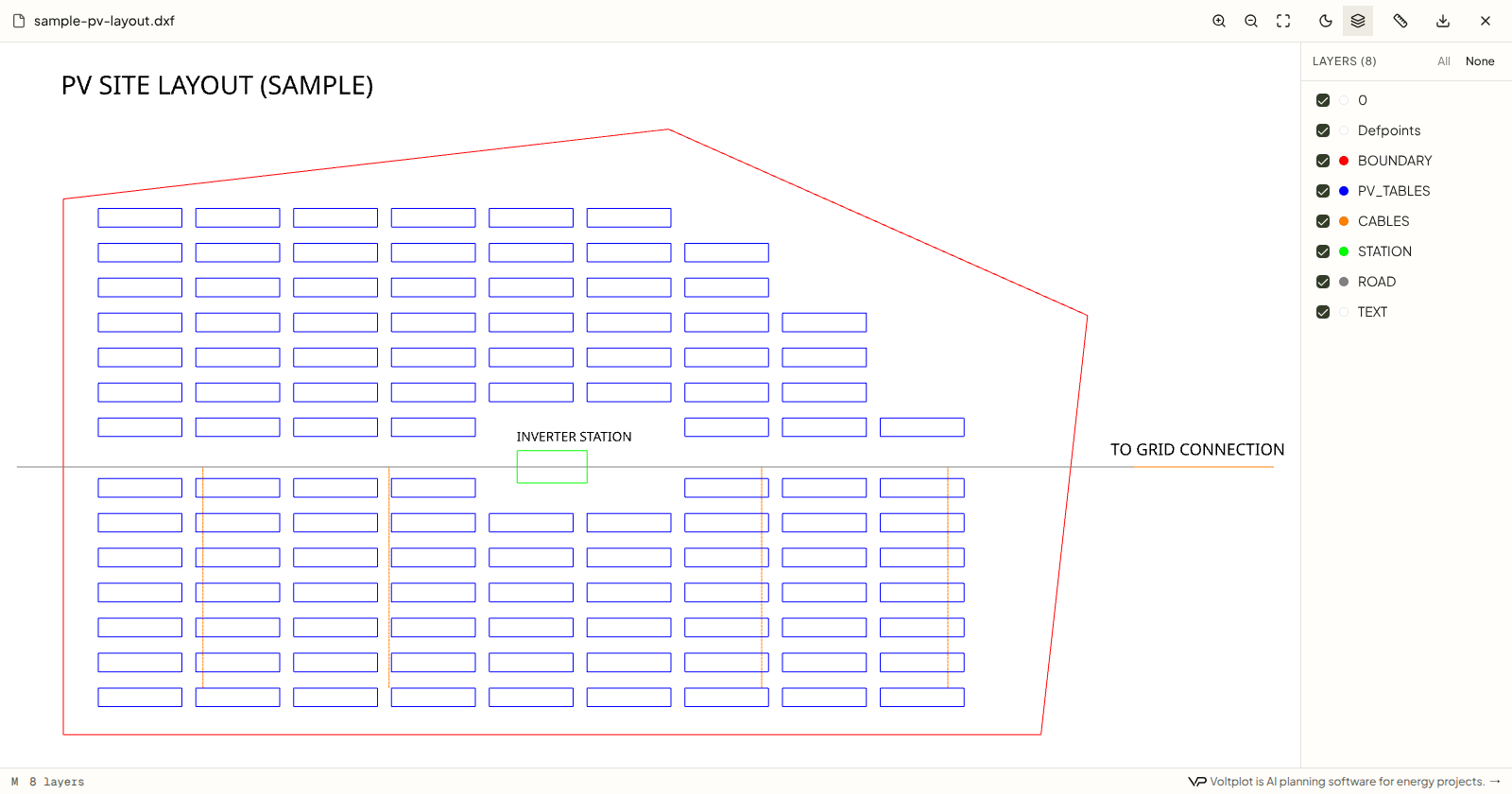
Drawings for energy projects often arrive from contractors as CAD files: substation diagrams, site layouts and grid connection drawings. Our free viewers open them without an account or an install. Before you drop a confidential drawing on any online tool, you should know whether the file leaves your device. Here is the answer for every format we open.
The short answer
| Format | Where it opens | Does the file leave your device? |
|---|---|---|
| DXF | In your browser | No |
| STL | In your browser | No |
| OBJ with MTL | In your browser | No |
| GLB and glTF | In your browser | No |
| DWG | Converted on our server | Yes, deleted as soon as possible |
| STEP and STP | Converted on our server | Yes, deleted as soon as possible |
| IGES and IGS | Converted on our server | Yes, deleted as soon as possible |
Why some formats open in the browser
DXF is an open format that Autodesk documented in 1982, so the DXF viewer reads the file directly in your browser with WebGL. STL, OBJ and GLB are open too: the 3D viewer reads them on your device.
Why DWG, STEP and IGES need a server
DWG is Autodesk's own binary format. Opening it takes licensed software or a conversion, so the DWG viewer sends the file to our server, converts it with LibreDWG, an open-source DWG library, and shows the drawing in your browser. STEP and IGES take the same route. In each case we delete the file as soon as possible.
What this means for confidential drawings
If a drawing must not leave your machine, convert it to DXF in your CAD program and open the DXF. For anything else, check your company's rules for online tools first.